
Making end-to-end encrypted AI chat feel like logging in
We want private AI chat to be simple. Yet today, many end-to-end encrypted experiences still have a level of friction that make them feel like they’re from another era: it usually either involves a long seed phrase users are asked to “store securely,” insecure password based encryption, or apps that aren’t cross-device and lose your data periodically (on reinstall, browser cache clear, etc).
At the heart of this friction is a simple truth: cryptography turns data security problems into key management problems. It’s now straightforward enough to encrypt something before backing it up to the cloud, but how do you “back up” the key used for the backup encryption?
This is one reason why, despite its power, end-to-end encryption has historically been impractical for the web. Web pages are designed as ephemeral views, not durable applications. So even once we were able to generate strong encryption keys in the browser, we’ve lacked a reliable way to keep them – securely and seamlessly – for ongoing use across devices and sessions. Without any other options, we’ve been stuck with marginal, often user-hostile solutions.
For Confer, we face the same core dilemma: we want users to seamlessly access their chats from any device, including a web browser, while ensuring those chats are end-to-end encrypted so no one else—not even us—can access them.
Passkeys: not just for passing
The WebAuthn standard allows websites to authenticate users by proving possession of a private key. A user visits a site, generates a keypair, registers the public key with the website, and subsequently authenticates by proving possession of the private key (signing a challenge). On modern platforms, this happens fairly seamlessly, leveraging built-in security features like Face ID or Touch ID for key storage and authentication.
Incidentally, this means modern browsers and devices provide a mechanism to:
- Generate a per-service keypair.
- Store that key securely on the device.
- Authenticate access via biometrics.
- Synchronize the key across a user’s devices using secure, platform-specific mechanisms.
- Extend access to native applications via app-site association.
That sounds… useful. If we have a persistent, biometrically-protected, cross-device key, what if we could use it to do arbitrary cryptography rather than just authentication?
As it turns out, we can. The WebAuthn PRF extension – while still relatively new – is now beginning to see fairly wide support:
| Platform | Chrome | Safari | Firefox |
|---|---|---|---|
| macOS 15+ |
✅
|
✅ (Safari 18+)
|
✅
|
| iOS / iPadOS 18+ | — |
✅ (Safari 18+)
|
— |
| Android |
✅
|
— |
-
|
| Windows 11 |
⚠️ (Requires Password Manager)
|
— |
⚠️ (Requires Password Manager)
|
| Linux |
⚠️ (Requires Password Manager)
|
— |
⚠️ (Requires Password Manager)
|
It has browser support in the most recent versions of Chrome, Safari, and Firefox. And it has platform support in the most recent versions of macOS, iOS, and Android. It still isn’t built into Windows, so requires an “authenticator” (like a password manager) to be installed there. Even if it isn’t fully supported on every platform right now, it does look like where the puck is going.
This extension to passkeys allows a client to derive “PRF output”—a 32-byte secret—from the underlying private key. This output is deterministically derived from the long-term key associated with the website, which means it is durable.
This is how the UX looks in Confer:
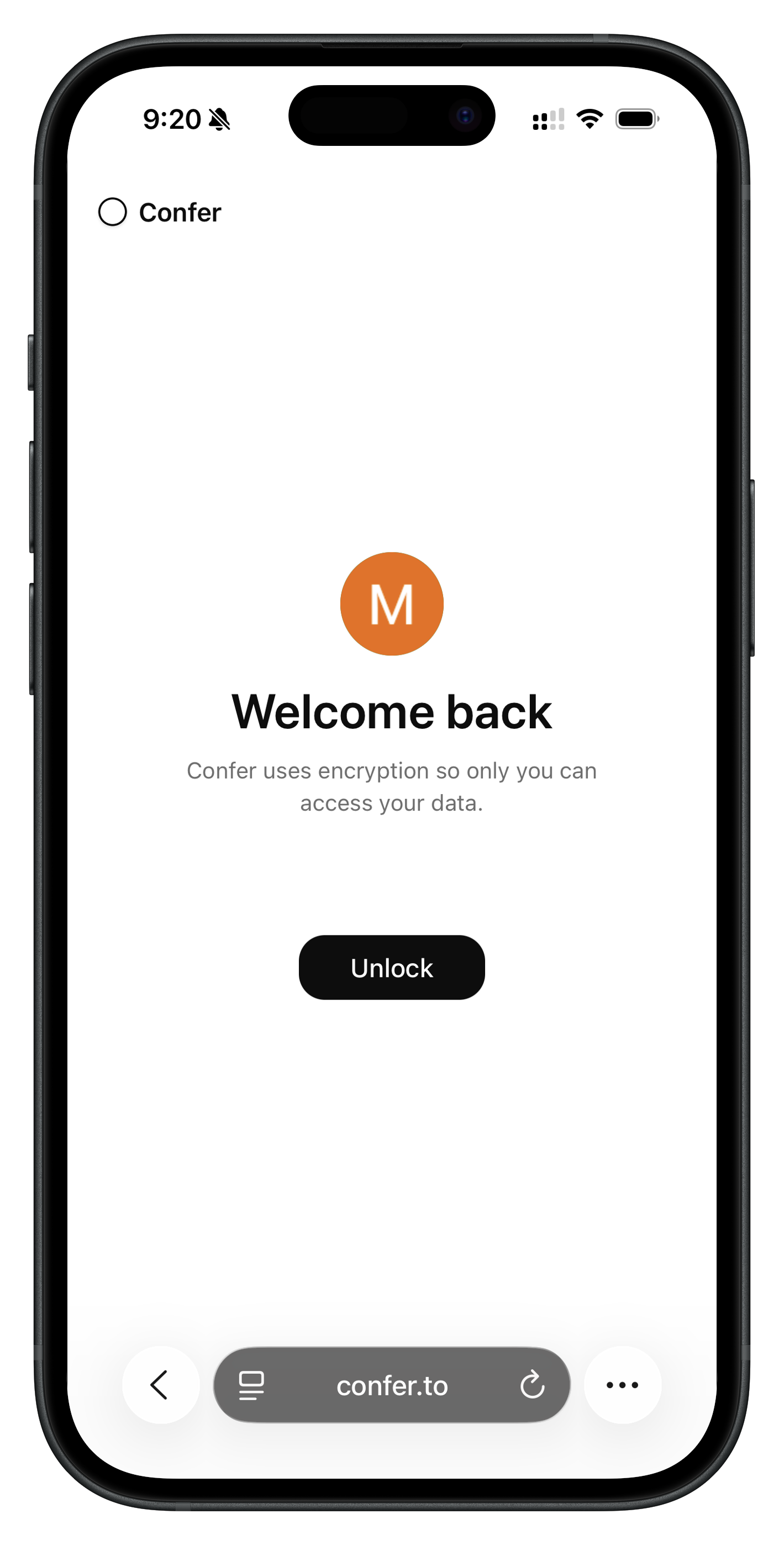
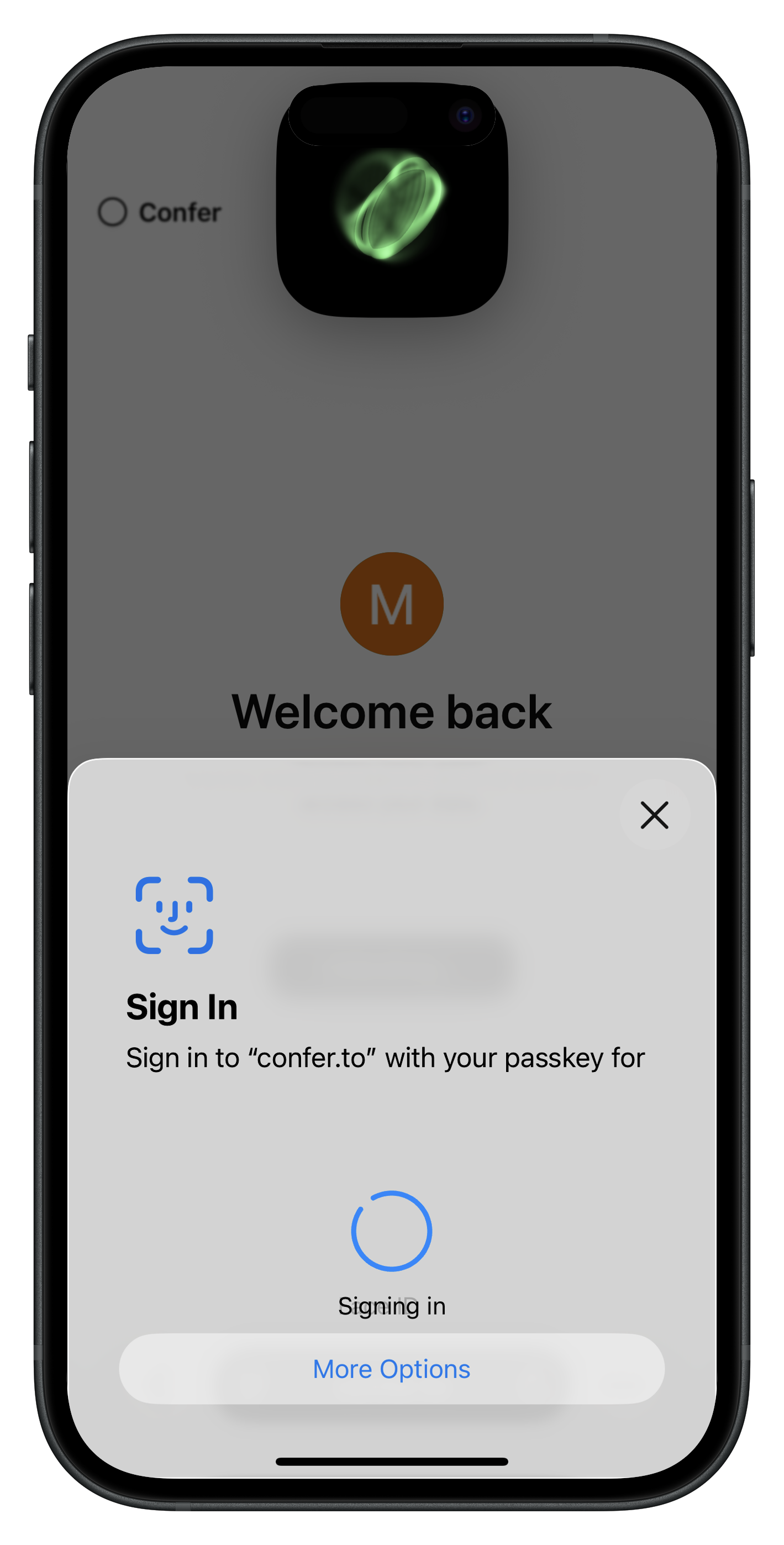
With a single tap and Face ID or Touch ID on any authorized device, the client has durable key material! That is a much better user experience than being shown 12 random words to write down and “store securely.”
In code, it looks like this:
  const assertion = await navigator.credentials.get({
    mediation: "optional",
    publicKey: {
      challenge: crypto.getRandomValues(new Uint8Array(32)),
      allowCredentials: [{ id: credId, type: "public-key" }],
      userVerification: "required",
      extensions: { prf: { eval: { first: new Uint8Array(salt) } } }
    }
  }) as PublicKeyCredential;

  const { prf } = assertion.getClientExtensionResults();
  const rawKey  = new Uint8Array(prf.results.first);
From there, we have root key material that we can derive subkeys from and encrypt/decrypt entirely on the client. The root key material is derived from your passkey secret, which we (the provider) never have access to.
This means you can conveniently access your Confer chats and data from any of your devices in a way that feels as seamless as logging into a website, while we remain completely unable to access your data.
In our next post we’ll talk about how we do private inference with this private data.
Don't have Confer? Give it a try!